


The 20 marketing plugins and connectors
1. Hyper
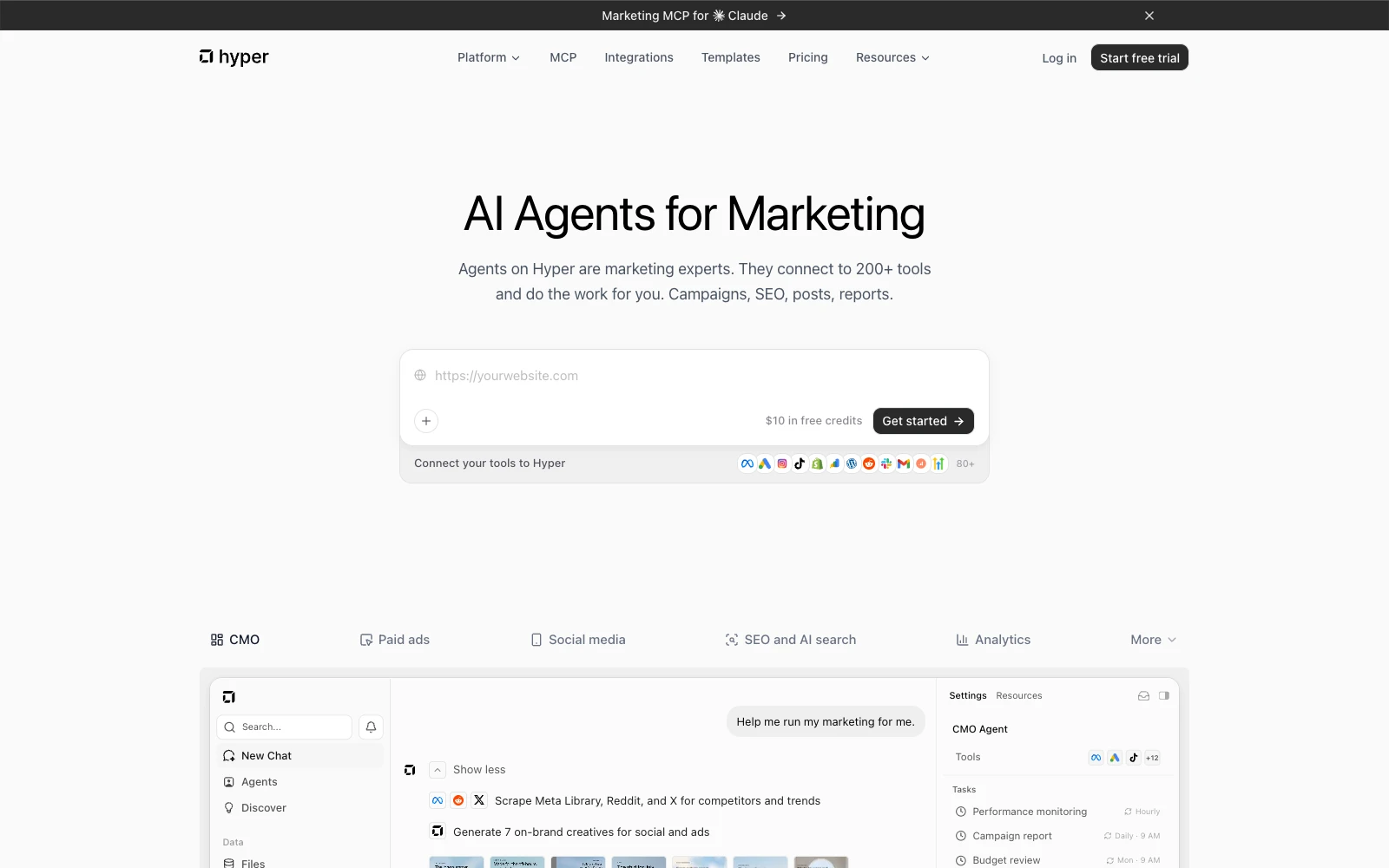
Hyper is an AI-native marketing platform with agents that operate like marketing experts across paid ads, creative, SEO, content, social, and analytics. They research markets, produce creative, launch and optimize campaigns using built-in tools, connected accounts, and data pipelines.
Use Hyper directly or from Claude and Codex. Founders, entrepreneurs, small and midsize businesses (SMBs), brands, and agencies can start with one task or run marketing across channels.
What the Hyper marketing plugin includes
Get the skills and installation instructions from the Hyper Marketing Skills repository on GitHub. Connect Hyper through Model Context Protocol (MCP) to use its tools:
- Marketing skills: Campaign strategy, ad account setup, creative production, SEO, social, lifecycle email, and analytics, using shared brand context.
- Built-in tools: Image and video generation, Hyper SEO, competitor research, web search, browsers, scrapers, code execution, dashboards, and file storage. Browse the tools.
- Data pipelines and warehouses: Combine advertising, analytics, commerce, and customer relationship management (CRM) data. Agents can use Hyper's native database and connected warehouses such as BigQuery.
- MCP and CLI: Hyper MCP connects your assistant to Hyper's tools. The command-line interface (CLI) makes those tools available to terminal-based agents and scripts.
Ad platforms supported by Hyper
Hyper supports these 10 advertising platforms:
- Meta Ads: Facebook and Instagram advertising.
- Google Ads: Search, YouTube, Display, Shopping, and Performance Max campaigns.
- TikTok Ads
- LinkedIn Ads
- Amazon Ads: Amazon advertising, including Sponsored Products.
- Pinterest Ads
- Snapchat Ads
- Reddit Ads
- X Ads
- OpenAI Ads: Advertising in ChatGPT.
Each integration provides platform-specific tools, with actions determined by its API support, your account permissions, and approval rules.
From campaign brief to ongoing optimization
- Plan and create: Research customers and competitors, develop the campaign, and generate copy, images, and video.
- Set up and launch: Configure audiences, budgets, pixels, and conversion tracking, then launch campaigns.
- Monitor and improve: Run health checks, investigate creative fatigue, and adjust budgets and placements, including Meta Feed, Reels, and Stories.
- Measure: Connect results to orders and CRM data, investigate attribution, and prepare incrementality tests. Hyper Analytics Insights covers measurement in more detail.
Other integrations include HubSpot, Salesforce, Shopify, Klaviyo, Google Analytics, Search Console, Tag Manager, BigQuery, WordPress, Webflow, Gmail, and Slack. See the media buying agent and our agency case study for examples.
Hyper also offers enterprise plans and fully done-for-you services, including custom platforms, features, plugins, integrations, and marketing operations.
Pricing: Free 7-day trial, then 49 USD/month, with plan-based tool credits. Connected services have their own charges; enterprise plans and custom services are priced separately.
2. Anthropic Marketing
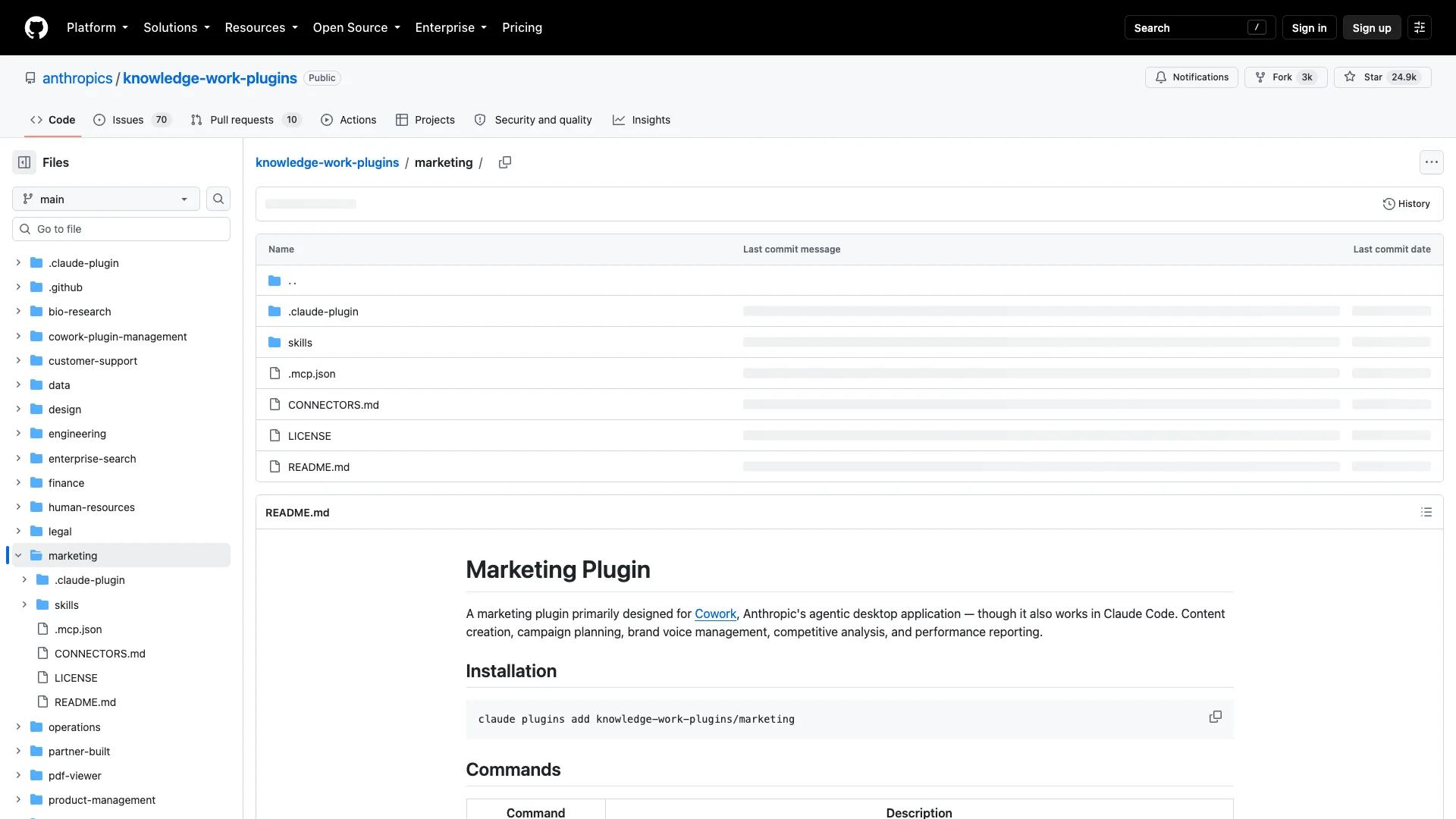
Anthropic's Marketing plugin adds campaign planning and brand review to Cowork and Claude Code. Use campaign-plan to develop a brief, then brand-review to check the content against your brand guidelines. The package includes skills, commands, and MCP configuration.
The official marketing README documents Claude support; it doesn't establish a Codex installation. The Apache-2.0 package is free, with the AI application and connected services billed separately.
3. Corey Haines Marketing Skills
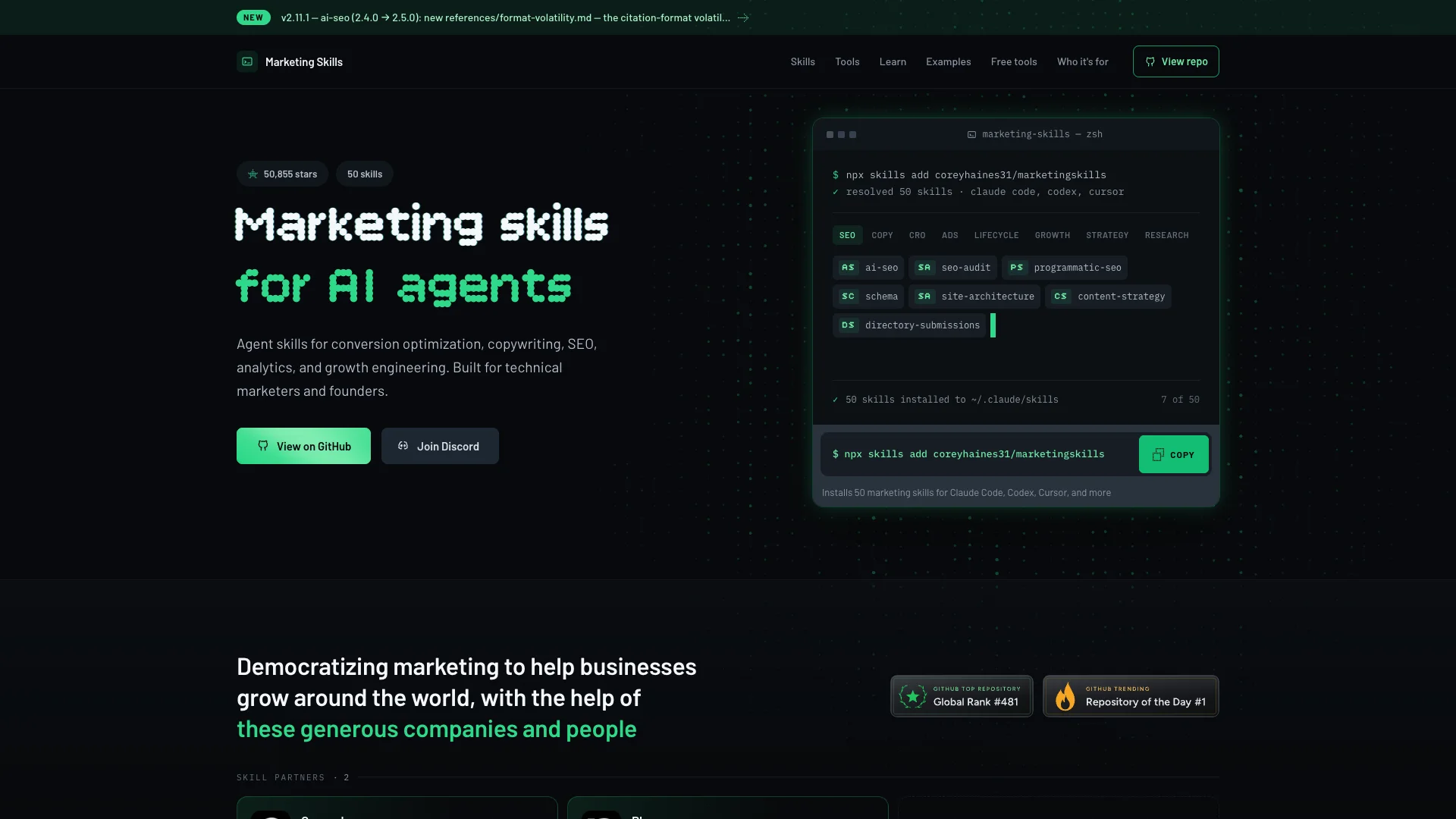
Corey Haines' Marketing Skills provides reusable methods for conversion optimization, lifecycle email, positioning, and other marketing work. For a landing-page review, cro guides the assessment; emails covers lifecycle messaging. These skills use the tools already available to your assistant.
The MIT-licensed repository supports Claude Code and Codex through Agent Skills, with a separate Claude plugin route. Install with npx skills add coreyhaines31/marketingskills. The instructions are free; live customer or campaign data needs a tool connection.
4. Ahrefs MCP
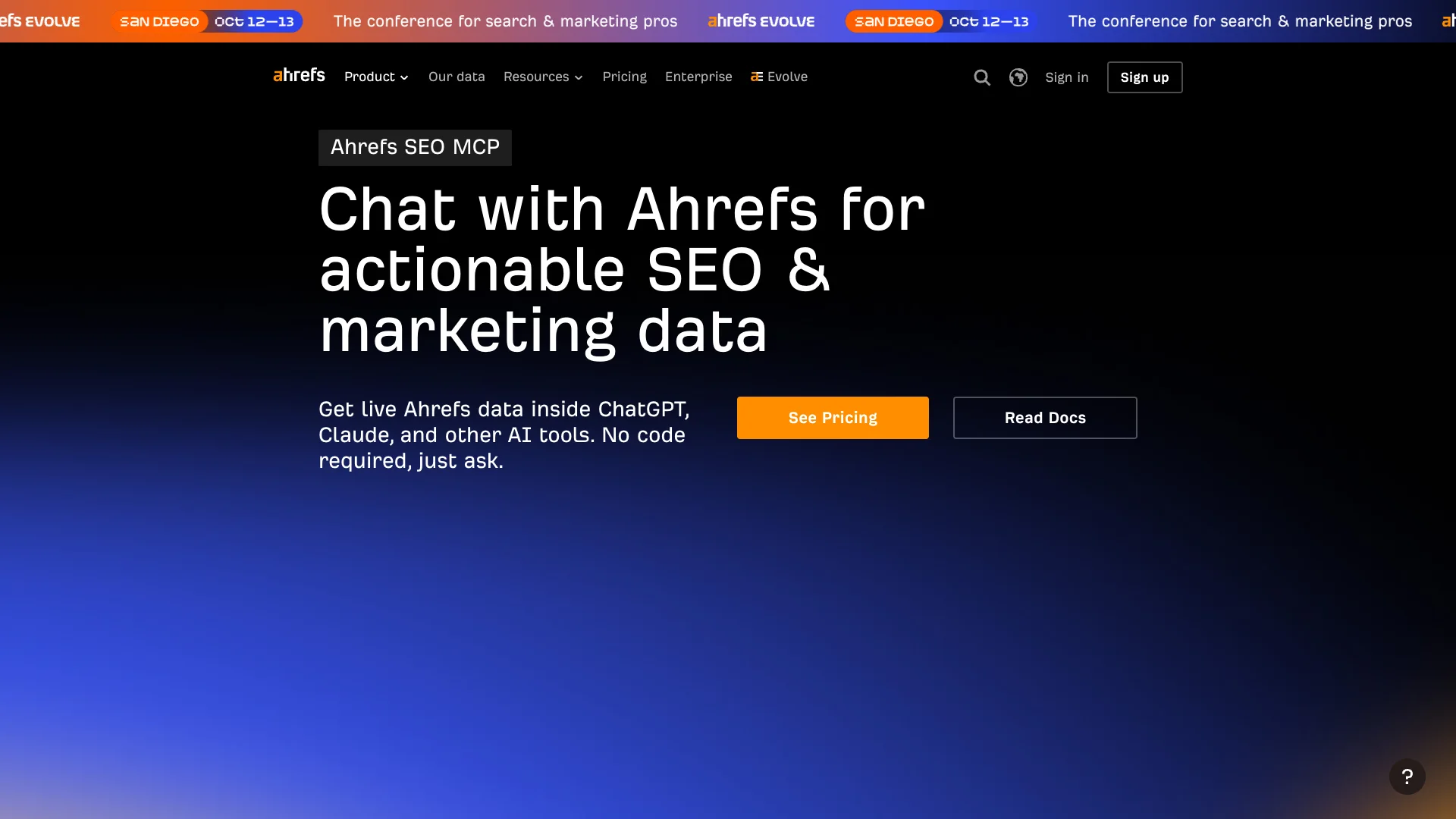
Ahrefs MCP brings keyword, backlink, and competitor data into your conversation. For an editorial plan, ask it to compare candidate topics in your target country by search volume, keyword difficulty, and the pages already ranking.
Ahrefs recommends a hosted Streamable HTTP connection. Access starts with Lite, requests consume API units, and Lite limits responses to 100 rows. The official setup guide covers authentication and Claude connections. Codex can connect to remote MCP servers, but an authenticated Ahrefs session in Codex wasn't verified for this guide.
5. Semrush MCP
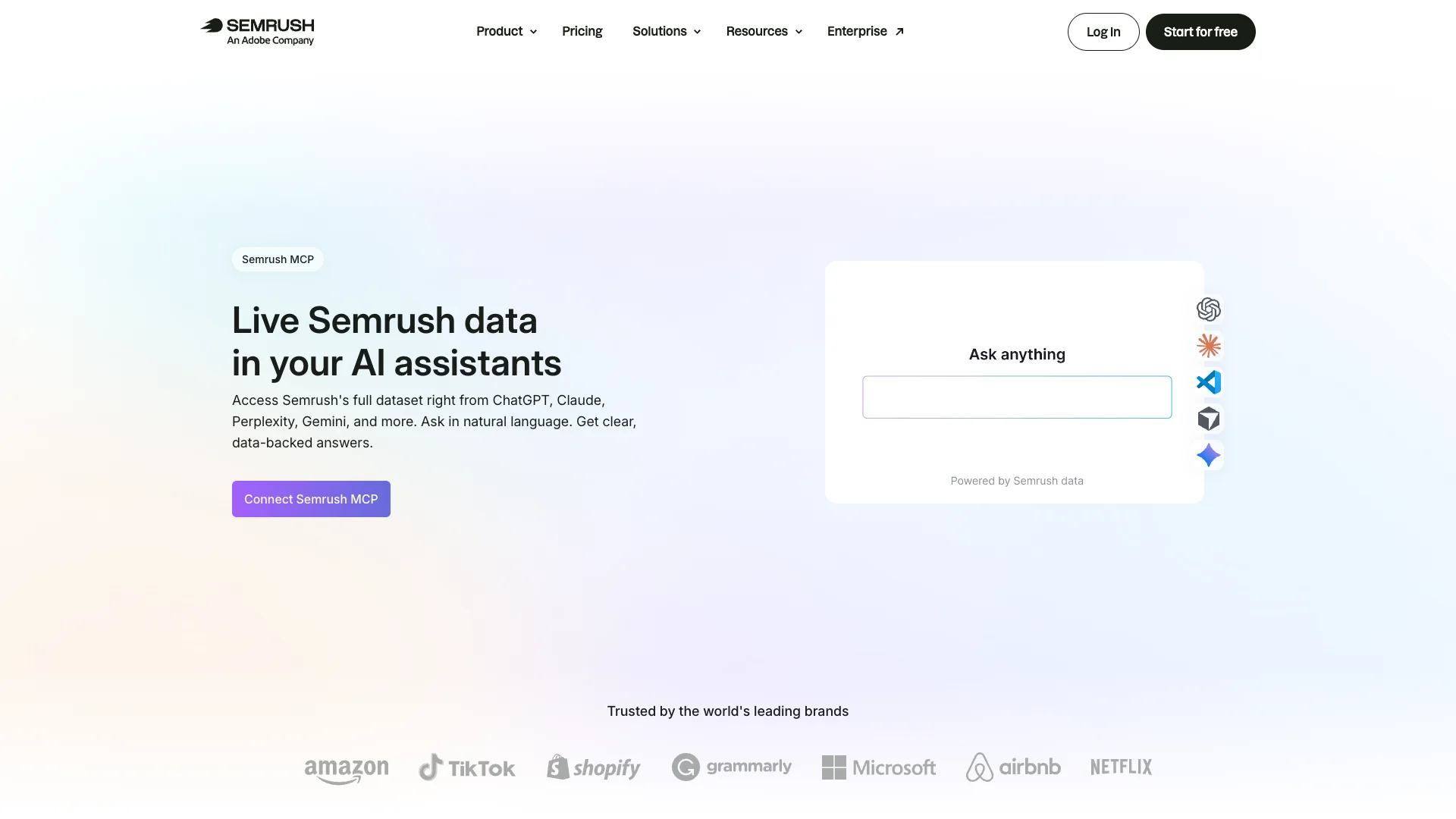
Semrush MCP supplies SEO and competitor research from Semrush. Ask for keyword gaps between your site and two competitors, then use the results to prioritize content. Its project methods retrieve data; they don't create projects or change project settings.
The developer reference explains eligible plans and API-unit charges. Traffic and market data require the applicable Trends API subscription. Claude setup is documented; the reviewed vendor guides don't establish a Codex-specific connection.
6. Hyper Analytics Insights
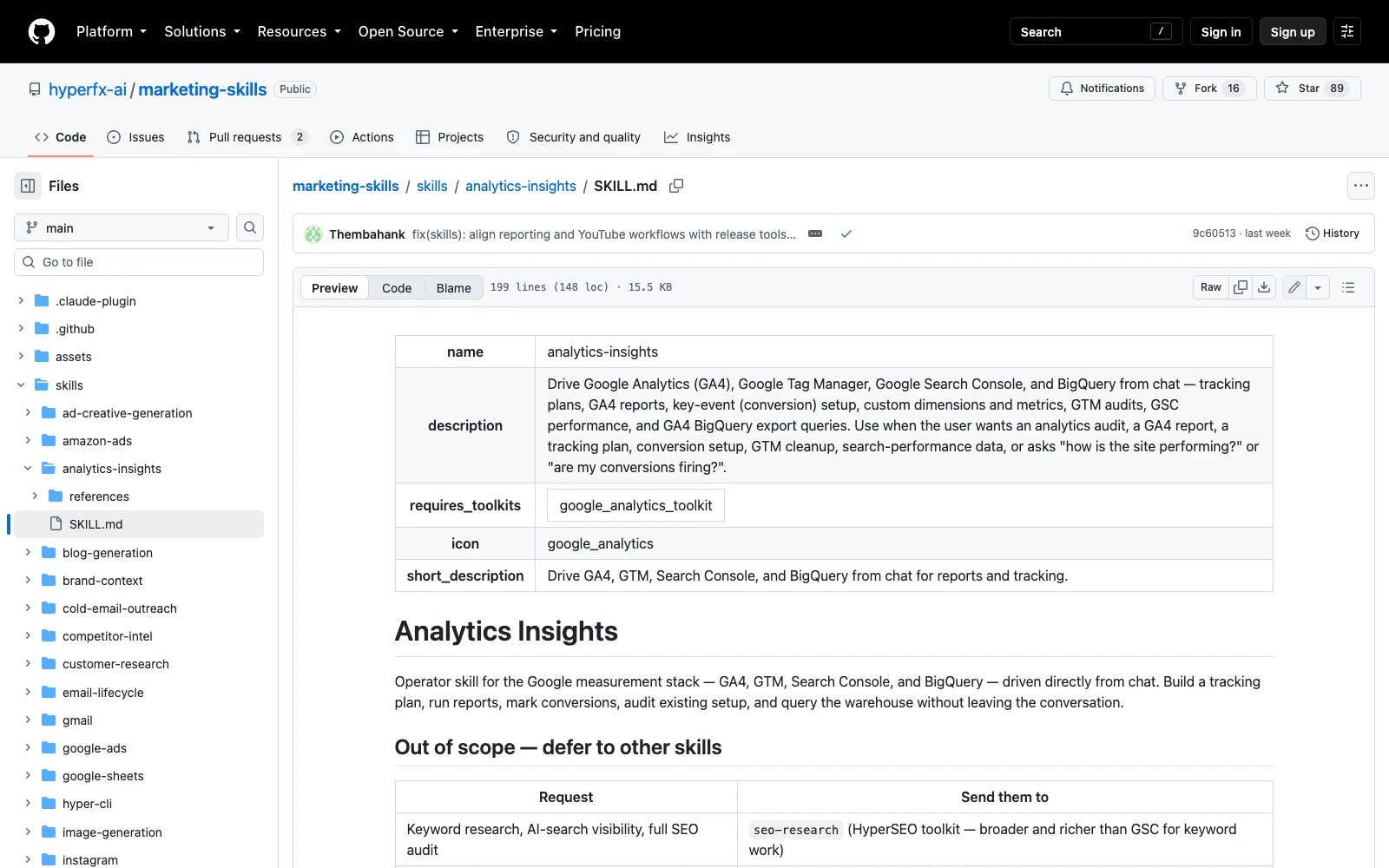
Hyper Analytics Insights gives agents the methods for conversion tracking, attribution analysis, and warehouse queries. Within Hyper, those methods combine with advertising skills and campaign data to explain changing performance, investigate creative fatigue, and prepare measurement studies.
The Analytics Insights skill is part of the Hyper Marketing package. It includes workflows for Google Analytics 4 (GA4), Google Tag Manager (GTM), Google Search Console, and BigQuery. Connected tools retrieve the records and execute the requests; advertising skills guide analysis of campaign, creative, audience, and placement data.
Data pipelines and warehouses
A marketing data pipeline brings records from advertising accounts, analytics, commerce, and customer relationship management (CRM) systems into a form that can be queried together. A warehouse retains that history so an agent can compare performance over time and connect campaign spend with business outcomes.
For teams using BigQuery, the skill's GA4 export guide covers queries for funnels, attribution, cohorts, and retention, including joins to order and CRM data. Configure the required exports and access first. Check data freshness, stable identifiers, currencies, and reporting dates before comparing sources.
Conversion tracking and attribution
Attribution assigns credit for a conversion to marketing interactions. Hyper can help check pixels, GA4 key events, GTM tags, and campaign tracking parameters, then investigate why ad-platform totals differ from analytics or recorded orders.
For example, an ad platform might count a purchase after an ad view while another report credits the last click. Refunds, duplicate events, time zones, and reporting windows can also change the totals. Compare the definitions and underlying records before reallocating budget. Warehouse data supports explicit attribution rules and cross-channel analysis when the required identifiers are available.
Creative fatigue and placement performance
Creative fatigue occurs when an ad loses effectiveness as its audience repeatedly sees it. Hyper's Meta Ads agent supports creative-level analysis using frequency, click-through rate, conversion performance, and cost per acquisition.
Review these signals together over comparable periods. Rising frequency and falling click-through rate can justify investigating fatigue, but auction costs, audience changes, tracking failures, or the landing page may also explain declining results. Break the analysis down by creative, audience, and placement, then use Hyper's creative tools to prepare new concepts or variations for testing.
Incrementality testing
Incrementality measures the additional outcomes caused by advertising. A holdout or geographic experiment compares an exposed group with a suitable comparison group. It answers a different question from attribution, which assigns credit for recorded conversions.
Hyper's tracking checks and connected data support study preparation and analysis. For a done-for-you project, the Hyper team can work with you on the study design, data requirements, and reporting. Agree on the treatment and comparison groups, success metric, test period, and controls before launch. The experimental design and analysis determine what causal conclusions the results support.
Reporting and campaign decisions
If acquisition costs rise, first check the tracking and data feeds, then compare creative, audience, and placement performance. Use order or CRM data to assess revenue and customer quality; use an incrementality study when the decision requires evidence of causal lift.
The output can be a dashboard, an account health report, a creative refresh plan, or proposed campaign changes. Execution uses the relevant advertising skill and your account's approval rules. You can install Analytics Insights individually and connect the sources required for your analysis.
Pricing: The skill source is free. Connected execution uses your Hyper plan and the relevant service accounts. Custom data pipelines and done-for-you studies are priced separately.
7. Canva
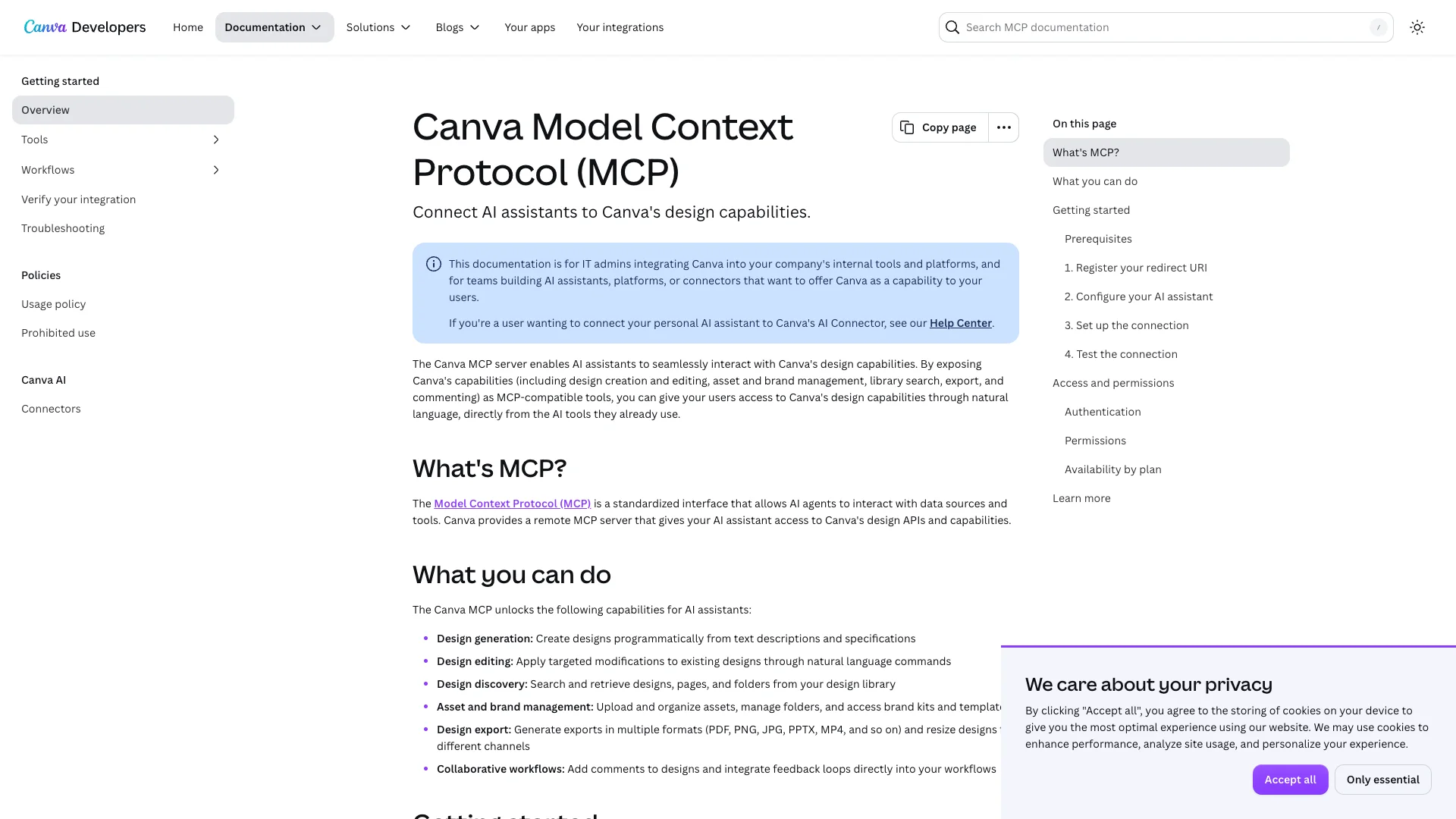
Canva's AI Connector lets an assistant find, create, edit, resize, and export designs. It gives a campaign a practical starting point when the brand's templates already live in Canva: find the approved template, adapt the headline and image, and prepare the placement sizes.
Canva documents Claude and Codex support. The connector is available across Canva account types; brand resources, template actions, and generation allowances depend on the plan. Generation can consume Canva AI credits. Check the exported files before using them in a campaign.
8. Figma MCP
Figma MCP connects Claude or Codex to design context and supported canvas editing. Use it to inspect a landing page, identify existing components, and prepare changes that match the design system.
Figma's remote-server guide documents both clients. Tools include write-to-canvas capabilities, with access and read-call allowances determined by the plan, seat, and file permissions.
9. HubSpot MCP
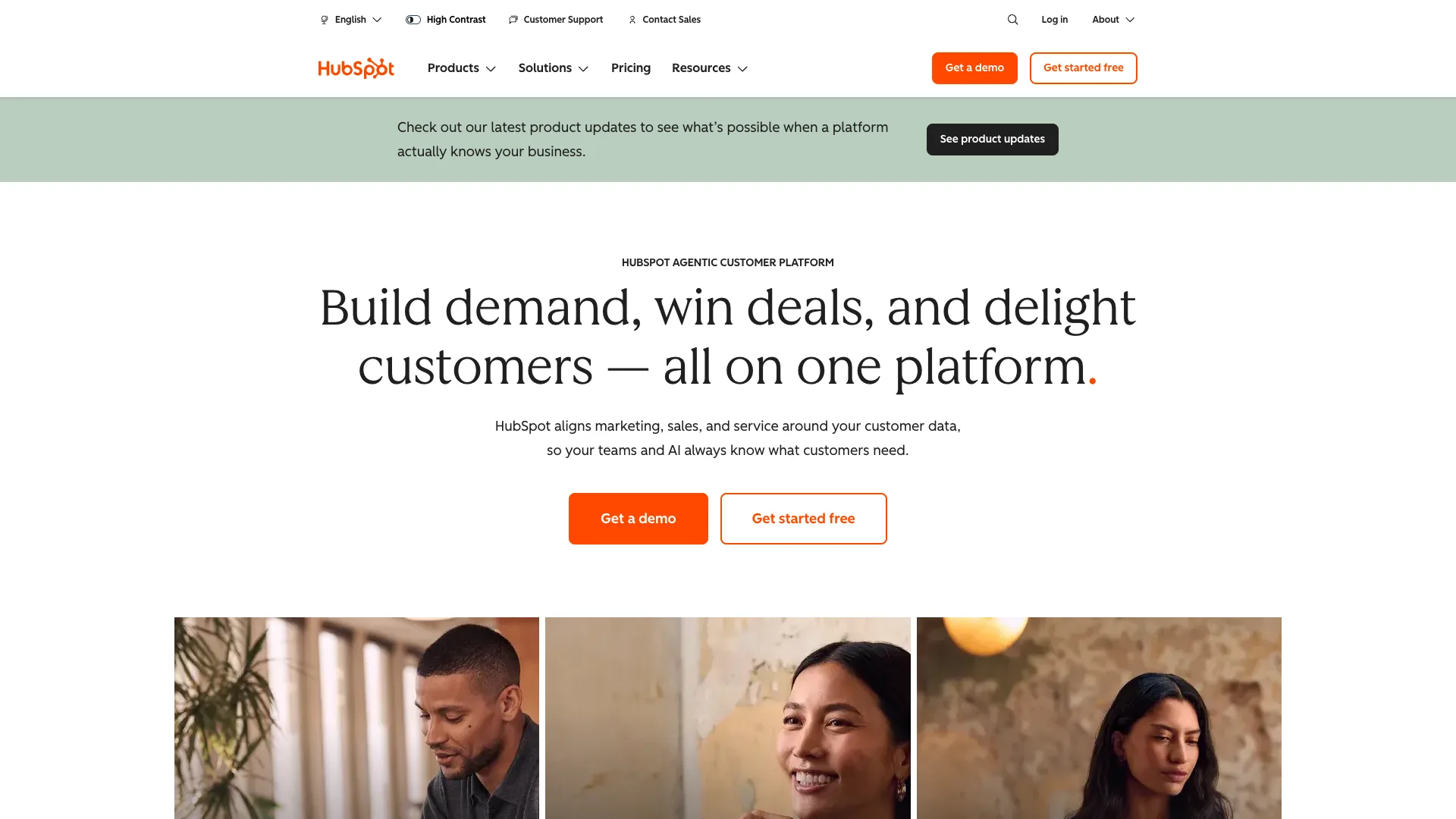
HubSpot MCP connects marketing work to contacts, companies, deals, and engagement records. A campaign brief can start with the customers in your CRM, and the remote server includes record updates, campaign management, email drafts, and blog-post operations. The get_user_details tool identifies which tools your account can use.
The remote HubSpot MCP guide documents Claude setup. Codex support for this CRM server wasn't established in our review; HubSpot's separate Developer MCP serves a different purpose. Tools depend on your HubSpot subscription and permissions.
10. Klaviyo MCP
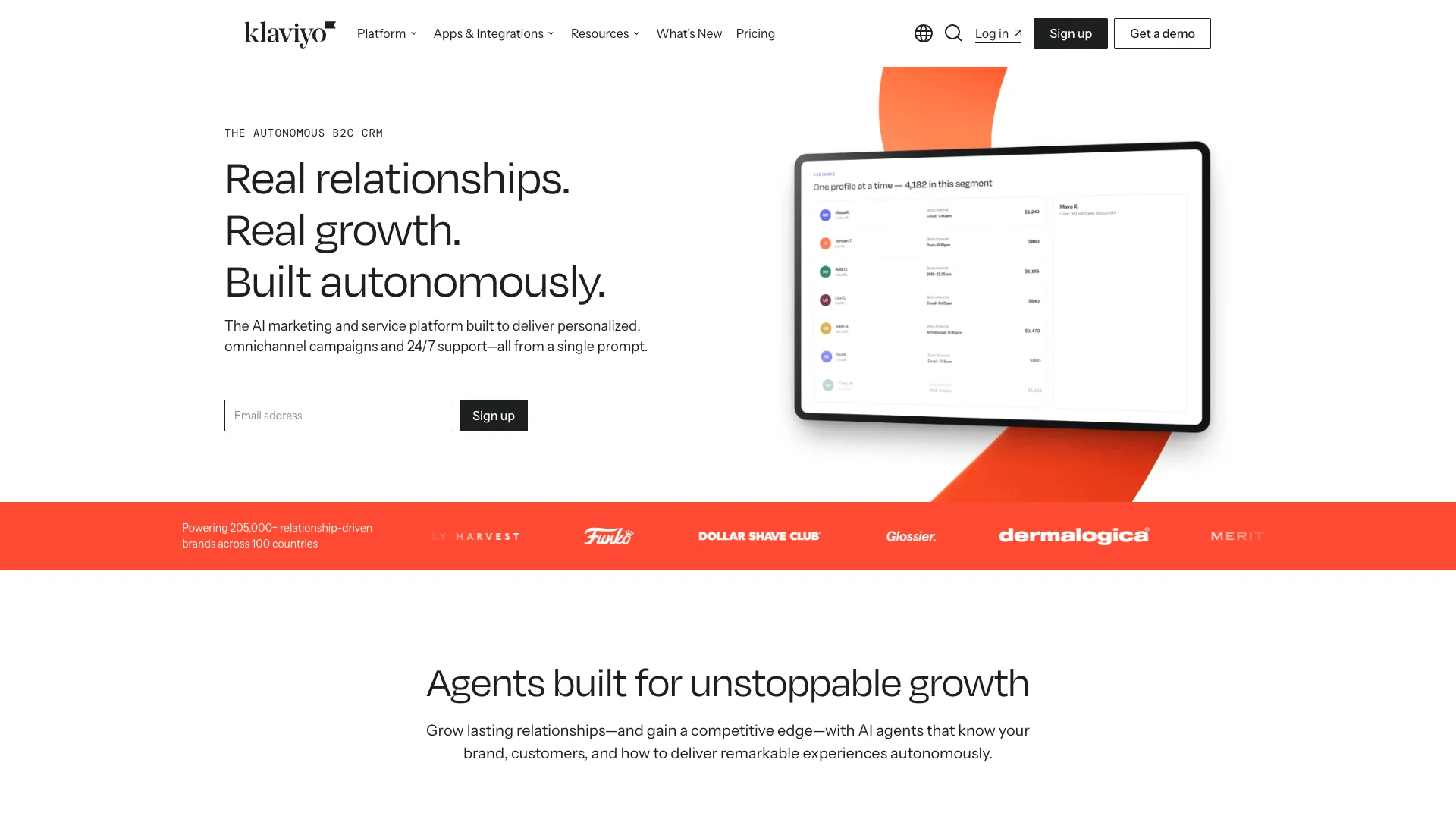
Klaviyo MCP lets an assistant examine campaigns, flows, and customer segments. After a promotion, ask which segments responded and how the flow performed, then use that analysis to prepare the follow-up campaign.
The developer tool reference includes sending and flow edits, while older help articles restrict them. Those actions weren't tested against a live account for this guide. Claude setup is documented; Codex-specific setup wasn't established. Remote access requires an Owner, Admin, or Manager role, with Klaviyo charges based on the plan and customer profile volume.
11. Google Analytics MCP
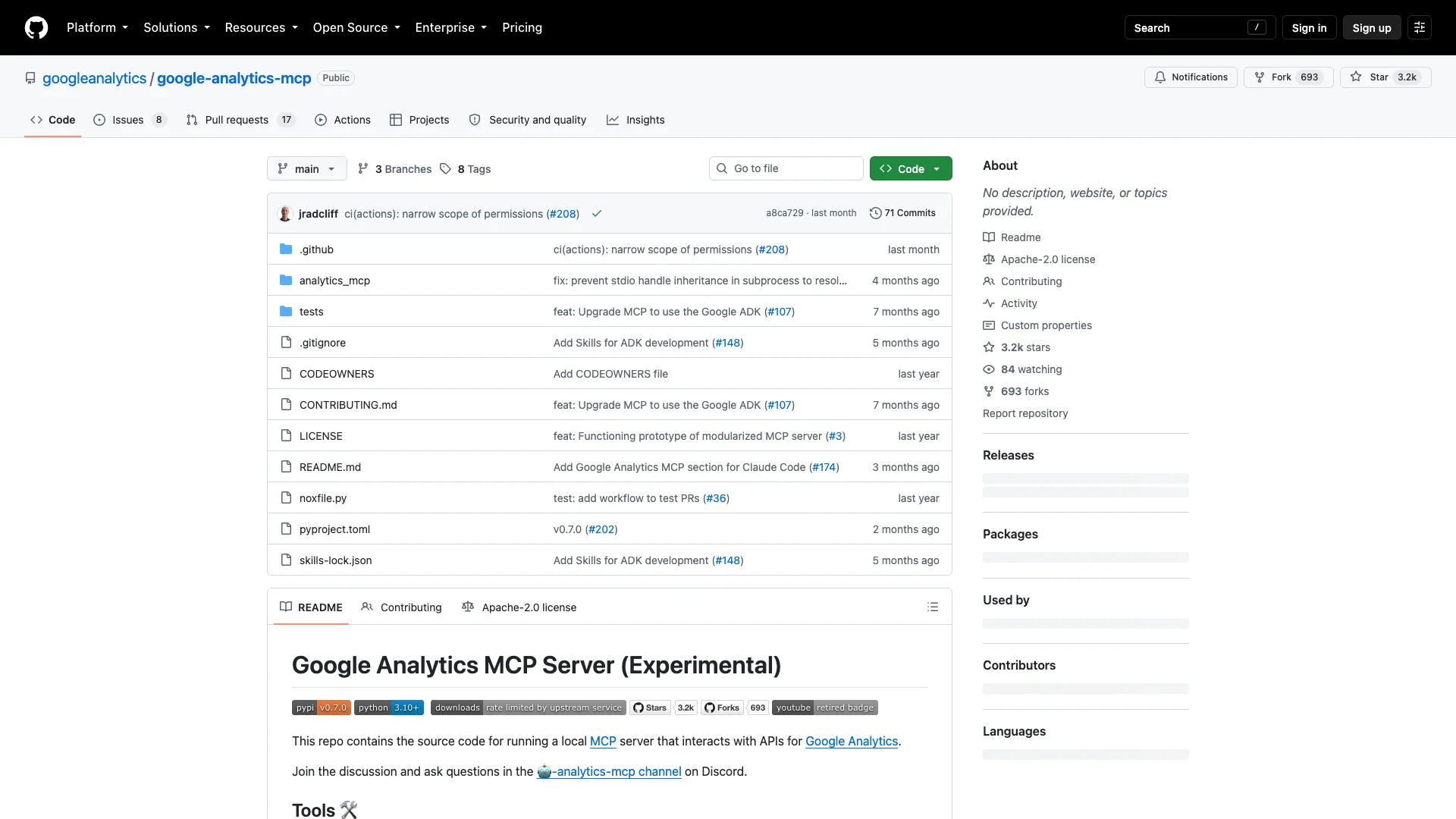
Google's Analytics MCP server reads account and property information and runs standard, funnel, and realtime reports. Ask it to compare a landing page's conversion funnel across two periods, with the property and key event specified.
The server is read-only, so it can't repair tags or change Analytics settings. The official open-source repository documents Google authentication and Claude Code setup. A Codex connection is possible in principle through MCP, but wasn't verified in the reviewed README.
12. Google Ads MCP
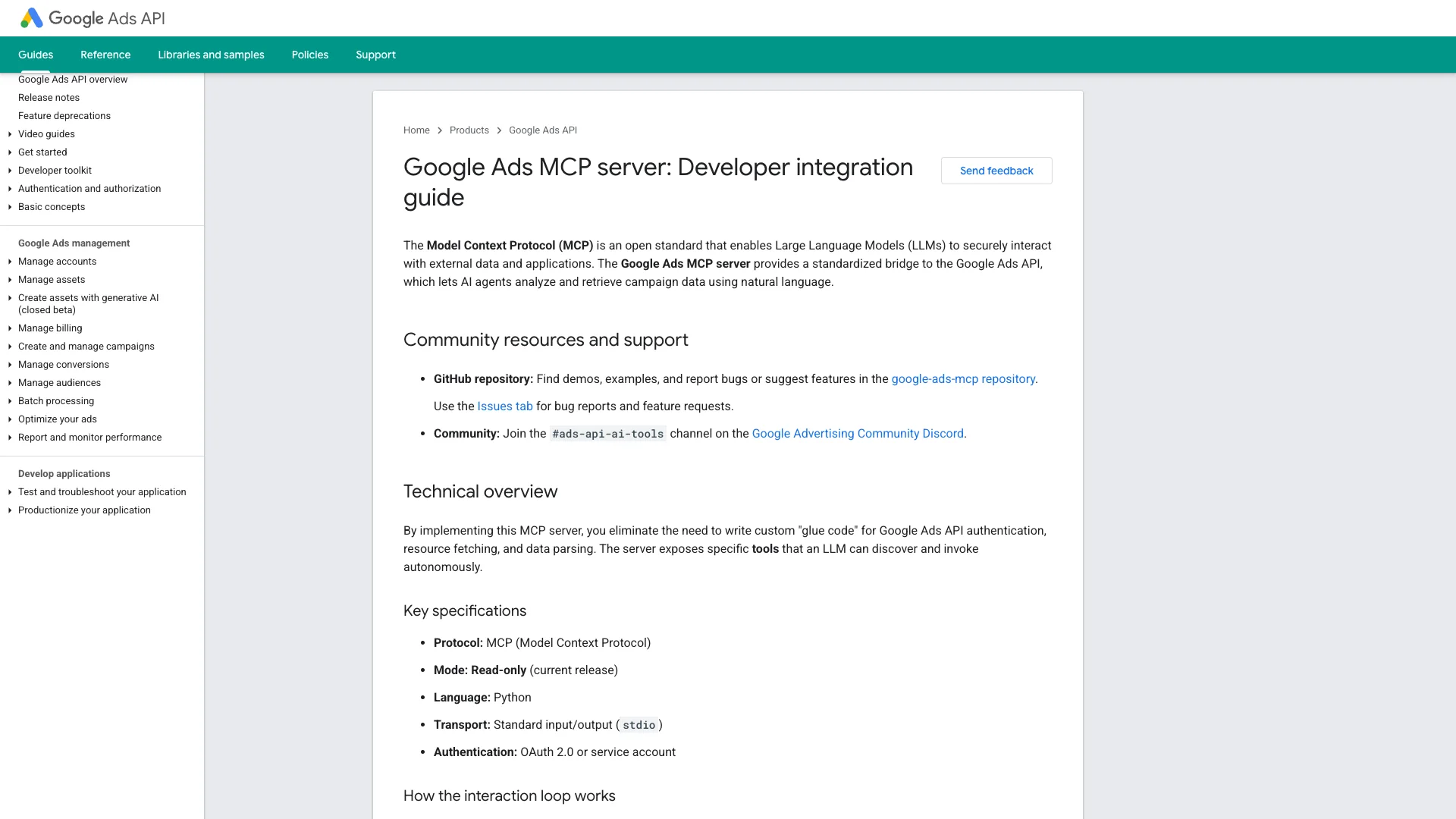
Google's Ads MCP server retrieves campaign metrics, budgets, statuses, and accessible customer accounts through Google Ads Query Language (GAQL). It's useful for questions such as which campaigns account for a change in spending or conversions between two reporting periods.
Google's implementation is read-only: it can't change bids, pause campaigns, or create ads. The developer guide covers local and hosted setup and Claude Code. The code is open source; hosting and AI-client costs are separate. A Codex-specific installation wasn't verified in the reviewed documentation.
13. Firecrawl MCP
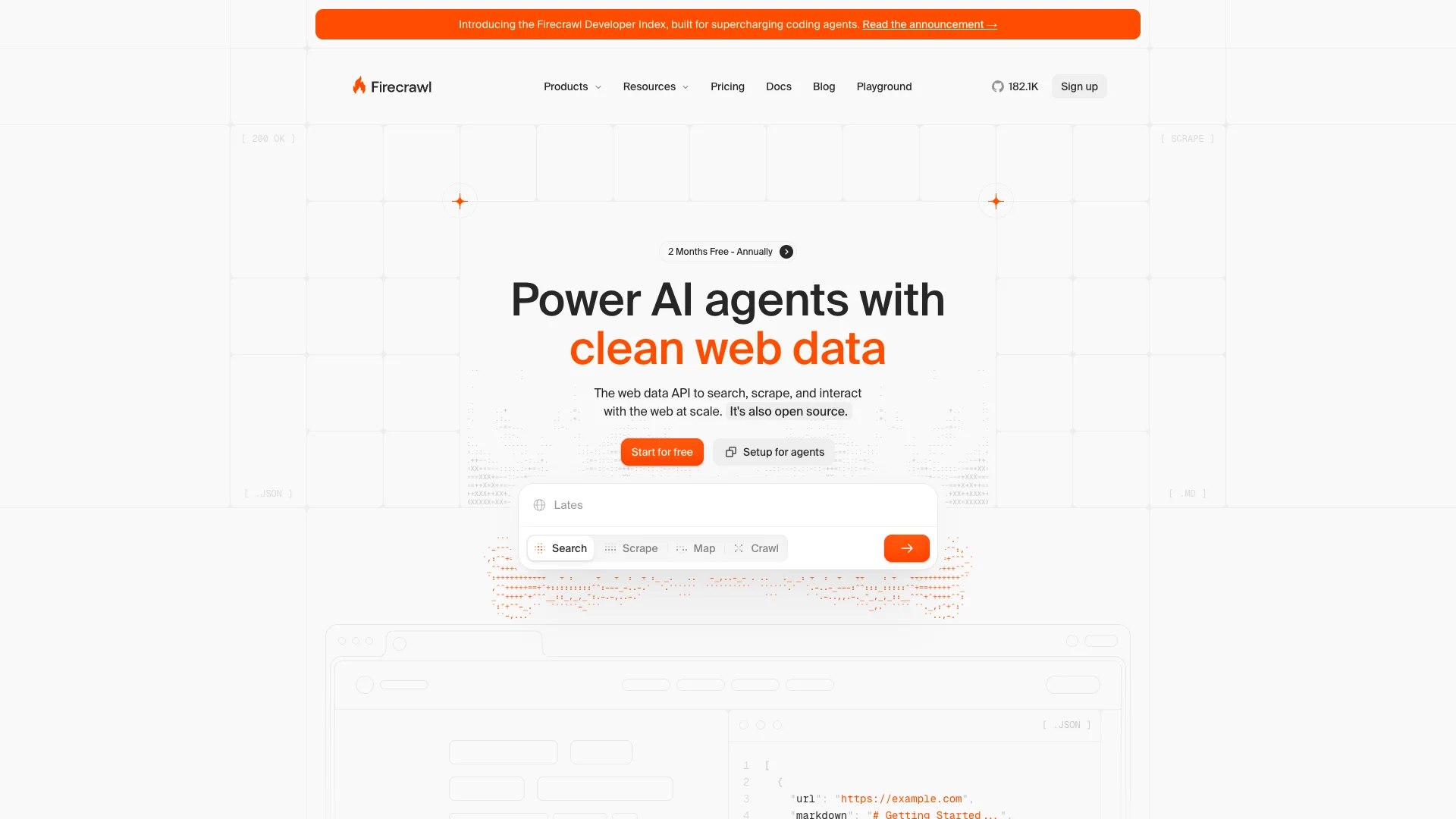
Firecrawl MCP collects public web content through search, scraping, crawling, and structured extraction. For competitor research, give it a list of sites and ask for the audience, offer, proof, and pricing model from each, with source URLs. The resulting comparison can feed a campaign brief.
The MCP guide documents Claude Code and Codex. Firecrawl lists 1,000 free credits per month, with paid allowances and usage varying by operation. Its Interact tool can click controls and fill forms, so specify when a research task should only read pages.
14. Zapier MCP
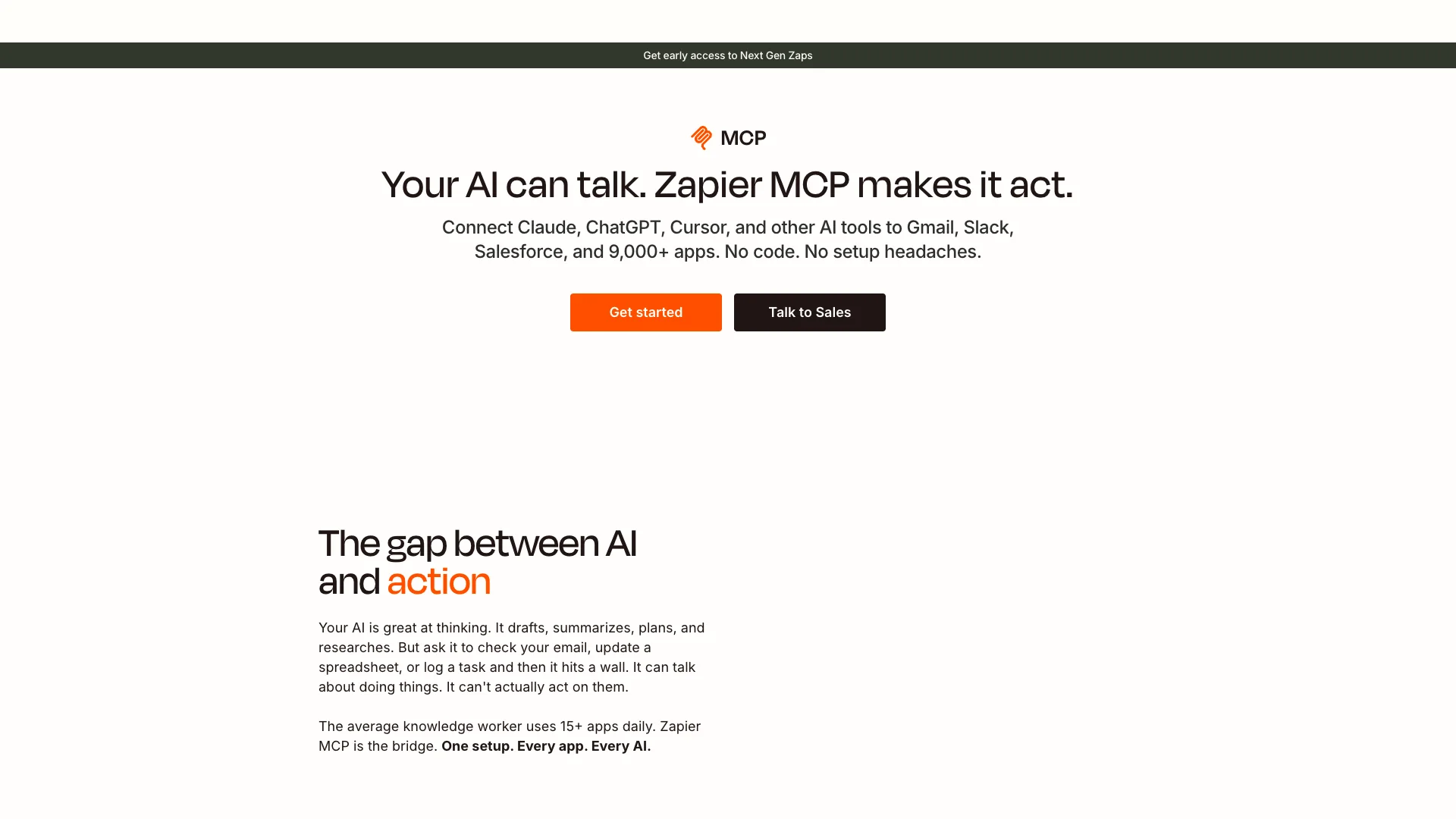
Zapier MCP lets your assistant call selected actions in connected apps. Use it to create campaign records in a spreadsheet, add follow-up tasks, or retrieve a customer record. You choose the actions exposed to the assistant.
Zapier documents Claude and Codex connections through its MCP configuration guides. A successful external-app tool call uses two Zapier tasks. Count the actions in a recurring job when estimating usage; one request can trigger several calls.
15. Composio
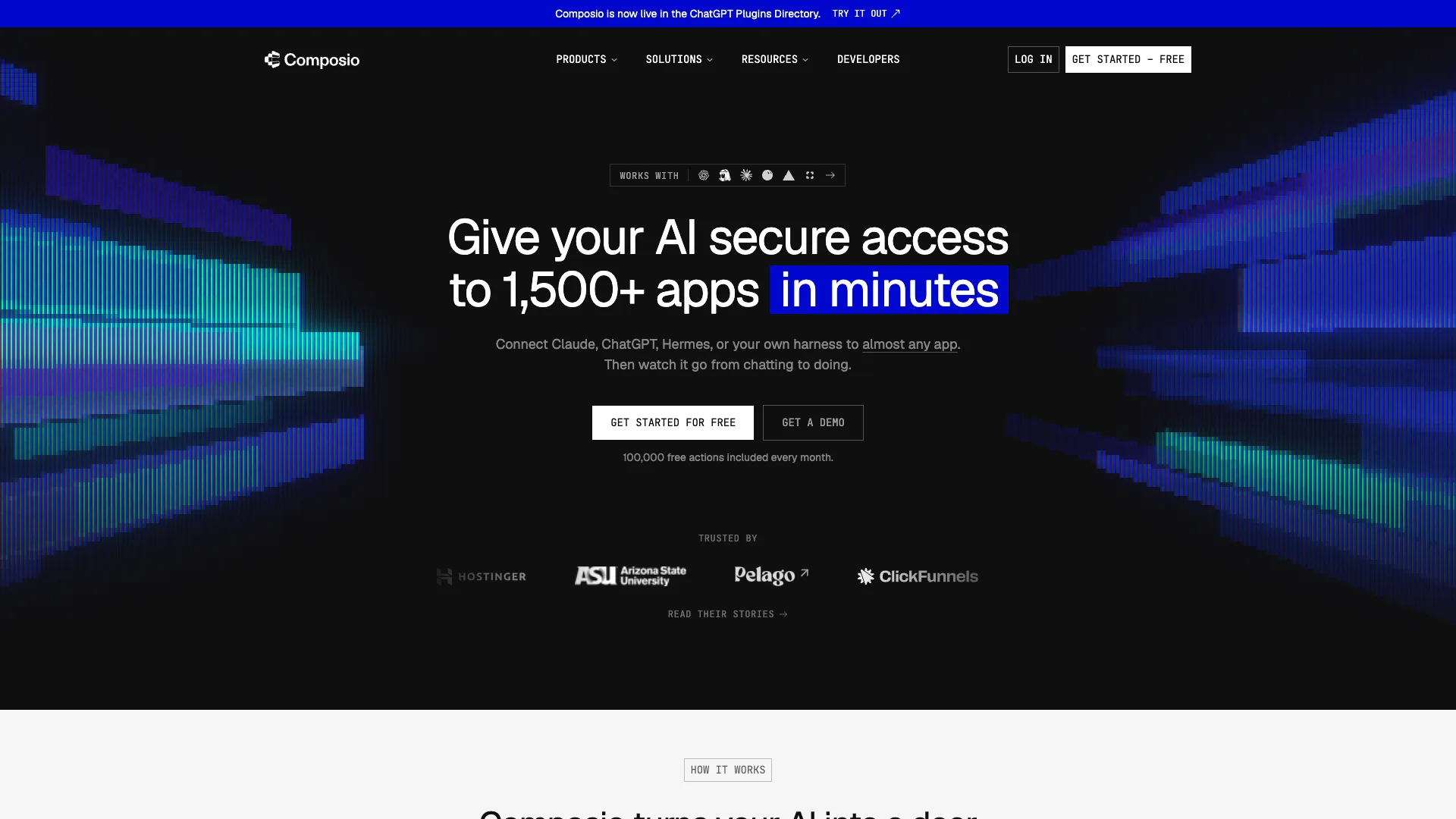
Composio gives Claude Code and Codex tools for finding app actions, connecting accounts, and executing requests. Its Google Ads toolkit includes campaign, budget, and bidding-strategy updates. Its Meta Ads toolkit supports campaign creation, creative uploads, insights, and conversion events.
The agent plugins guide documents native plugins for both clients, backed by the Composio CLI. MCP connections are also available. The Meta Ads toolkit lists OAuth2 and API-key authentication, without Composio-managed OAuth.
See Composio's pricing for its free allowance and usage rates.
16. Pipedream MCP
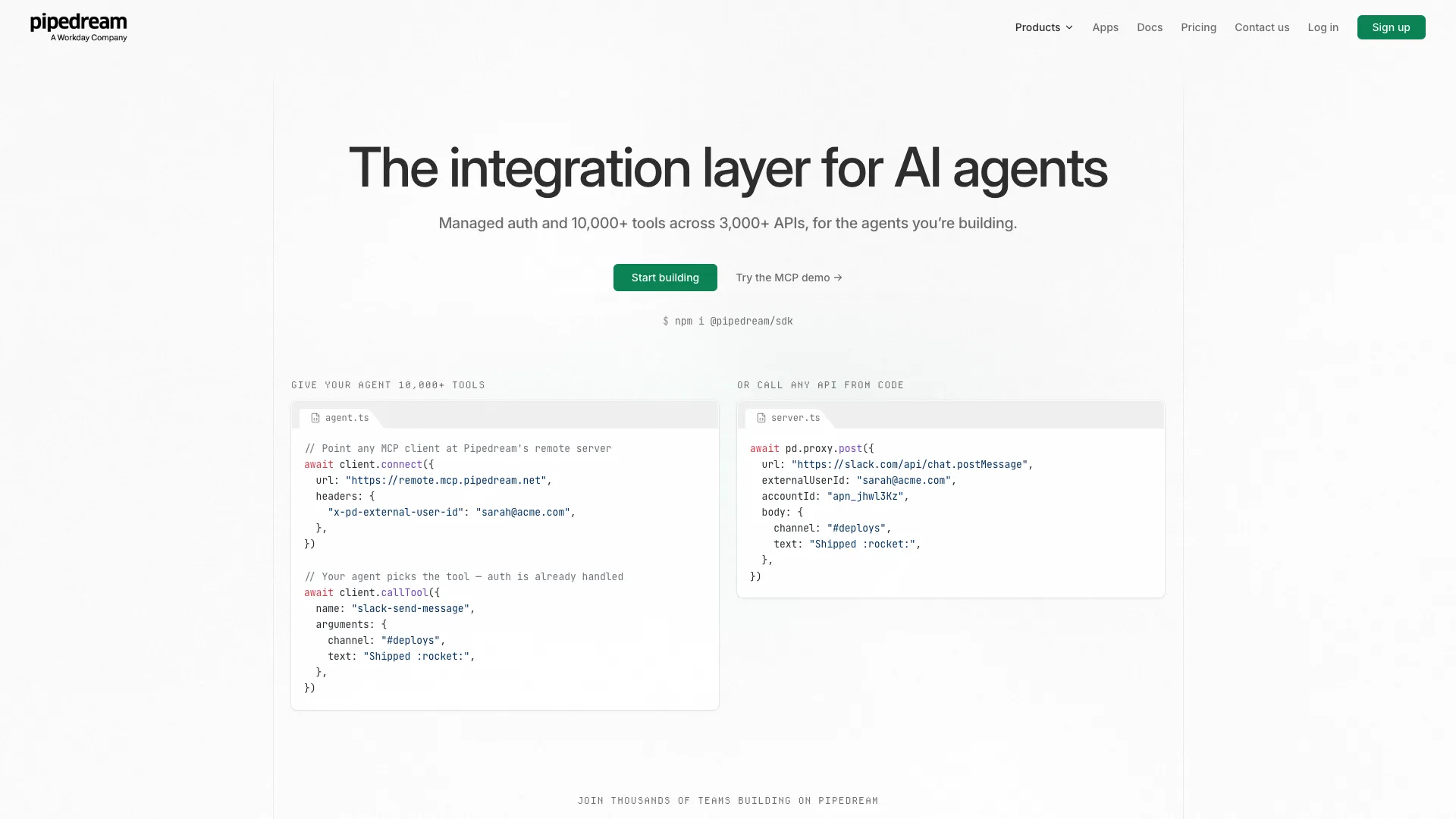
Pipedream exposes app actions through hosted MCP servers and handles account authentication. Its Google Ads integration includes reporting, customer lists, and campaign creation or updates. An agent can combine those actions with connected CRM or spreadsheet tools to move campaign data between systems.
The end-user guide documents Claude and a generic MCP connection; a Codex-specific setup wasn't verified for this guide.
Hosted MCP is free for personal use. Developers embedding it in a product use Pipedream Connect, with free development access and separate production pricing. Connected apps retain their own subscriptions and permissions.
17. Airtable MCP
Airtable MCP connects an assistant to bases, tables, records, and comments. For campaign production, ask it to find assets missing an owner, due date, or approval status in an existing table. Editors can change records; owners and creators can also change the base structure.
Airtable's setup guide covers a Claude connector, Claude Code plugin, and generic MCP access. A Codex-specific walkthrough wasn't established in this review. MCP is available across Airtable plans, with normal API limits.
18. Webflow MCP
Webflow MCP gives an assistant tools for CMS items, page content, assets, and metadata. A marketer can move an approved article into the CMS, update its description, and prepare it for review. Publishing is also available, so specify whether the result should be a draft or go live.
Webflow documents Claude and a Codex plugin. MCP is available on all Site plans, including Starter, without using Webflow AI credits. Some visual operations require the Designer and MCP Bridge App; interactions and new localized CMS items remain outside the supported tools.
19. WordPress.com MCP
WordPress.com MCP creates and updates posts and pages, works with comments, and inspects media. New content defaults to drafts. An edit to an already published page can appear immediately, so specify the intended status and review the saved page after changes to complex blocks.
The WordPress.com MCP guide documents Claude and Codex. Access is included on paid plans, with a 30-day allowance for free sites. Self-hosted WordPress needs a supported connection, such as the documented Jetpack route.
20. n8n MCP
n8n's instance-level MCP server lets an assistant create, edit, test, and inspect workflows. A marketing operations team can use it to investigate a failed lead handoff or change a workflow connecting its business systems.
This server is separate from the MCP Server Trigger node inside an individual workflow. Production execution uses the published version by default; manual mode can run unpublished changes. n8n documents Claude and Codex setup. MCP is included across editions, while cloud executions, self-hosting, and connected services have their own costs.
Quick comparison: 20 marketing plugins
| Tool | Best For | Cost basis | Connection and client support |
|---|---|---|---|
| Hyper | End-to-end paid ads, creative, SEO, content, and analytics | Free trial; then $49/mo with plan credits; services extra; custom enterprise | Claude plugin; Codex skills + MCP; CLI |
| Anthropic Marketing | Campaign planning inside Claude | Free package; AI application billed separately | Claude plugin for Cowork and Claude Code |
| Corey Haines Marketing Skills | Reusable marketing methods across agents | Free package; AI application billed separately | Claude + Codex skills; Claude plugin |
| Ahrefs MCP | Keyword and backlink research | Ahrefs plan + API units | MCP: Claude documented; Codex session unverified |
| Semrush MCP | SEO and competitor data analysis | Semrush plan + API units | MCP: Claude documented; Codex setup unverified |
| Hyper Analytics Insights | Tracking, attribution, and warehouse analysis | Free skill; Hyper plan + connected services; custom work extra | Hyper skill for Claude + Codex |
| Canva | Creating and adapting marketing designs | Canva plan + AI credits | MCP: Claude + Codex |
| Figma MCP | Working with editable design files | Figma plan and seat | MCP: Claude + Codex |
| HubSpot MCP | Marketing with CRM customer context | HubSpot subscription | MCP: Claude documented; Codex setup unverified |
| Klaviyo MCP | Analyzing lifecycle campaigns and audiences | Klaviyo subscription | MCP: Claude documented; Codex setup unverified |
| Google Analytics MCP | Investigating website and funnel performance | No server subscription | MCP: Claude Code documented; Codex setup unverified |
| Google Ads MCP | Reading campaign metrics through GAQL | No server subscription | MCP: Claude Code documented; Codex setup unverified |
| Firecrawl MCP | Collecting public website research | Firecrawl credits | MCP: Claude + Codex |
| Zapier MCP | Taking selected actions across apps | Zapier tasks | MCP: Claude + Codex |
| Composio | Connecting agents to app actions and ad APIs | Free allowance; paid usage | Native Claude Code + Codex plugins; CLI; MCP |
| Pipedream MCP | Combining app actions with managed account connections | Personal MCP free; production Connect priced separately | MCP: Claude documented; Codex setup unverified |
| Airtable MCP | Managing structured campaign production records | Airtable plan; API limits | MCP: Claude documented; Codex setup unverified |
| Webflow MCP | Updating marketing sites and CMS | Webflow Site plan | Claude MCP; Codex plugin |
| WordPress.com MCP | Drafting and editing website content | Eligible WordPress.com plan | MCP: Claude + Codex |
| n8n MCP | Building and operating custom workflows | Cloud executions or hosting | MCP: Claude + Codex |
Hyper publishes this guide. We compared documented marketing tasks, Claude and Codex support, installation format, and cost. Sources were reviewed in September 2026; the list is an editorial selection, not a performance benchmark. Analytics Insights at number 6 is a skill within Hyper.
Client support reflects the vendor setup guides we reviewed. An unverified Codex setup means we haven't established that connection, not that it's incompatible. Costs distinguish the package from the paid software or usage allowance behind it.
Hyper vs. Composio and Pipedream
Hyper combines ad-platform integrations with marketing agents, marketing skills, creative generation, and data pipelines in one platform. Composio and Pipedream provide app connections, authentication, and advertising actions.
For example, Hyper's Meta Ads agent supports creative-fatigue and placement analysis. Combine that analysis with its built-in creative tools to generate replacement assets, then use its advertising skills to prepare campaign changes. The Analytics Insights skill supports conversion-tracking checks, attribution analysis, and reporting across advertising, orders, and CRM records.
What counts as a marketing plugin?
A plugin packages capabilities for an AI application. In Claude Code, a plugin can contain skills, commands, hooks, and MCP configuration. A skill supplies task instructions. An MCP server connects the assistant to tools or data. These pieces can be distributed together, but each solves a different part of the job. See Anthropic's plugin documentation for the package format.
We use “marketing plugins” as the buyer's category in this guide and identify the actual format in every entry. Some are packaged plugins. Others are skill collections or MCP servers you connect to your assistant. A Claude plugin listing doesn't establish Codex compatibility. Look for a documented Codex installation or a supported MCP connection.
For a repository-focused comparison, read our marketing skills GitHub guide.
How to install the right package
Check three things before installation: the AI application, the package format, and the account connection. A skill installation can succeed while the tools needed by that skill remain unavailable. Our marketing skills setup guide covers that distinction in more detail.
For Hyper in Claude Code, the repository documents this plugin path:
/plugin marketplace add hyperfx-ai/marketing-skills
/plugin install hyper-marketing@hyperfx-marketing-skills
For Agent Skills, including a Codex destination, use the skills installer and select the agent you intend to use:
npx skills add hyperfx-ai/marketing-skills
Connect Hyper to the relevant marketing accounts separately. For every vendor in this guide, follow the linked official setup instructions, confirm the workspace, and inspect the available tools. Then run a small read task before asking for changes.
What can you ask Hyper to do?
Start with the brand and task; connect the accounts needed for live campaign or customer data.
Research a market and prepare creative
Use our brand brief to research the target customer and competing offers.
Develop three campaign concepts, explain the audience and offer for each,
and produce draft copy and images for review.
Investigate creative fatigue across placements
Compare the last 28 days with the previous 28 days in our Meta account.
Break performance down by creative and placement. Look at frequency,
click-through rate, conversion rate, and cost per acquisition together.
Explain which ads need investigation and prepare replacement concepts.
Reconcile campaign performance with revenue
Use our connected ad accounts, analytics, and order data to build a
weekly report. State each source's attribution window, time zone, and
currency. Explain differences between reported conversions and orders,
flag missing data, and recommend the next questions to investigate.
The same briefs can run directly in Hyper or through its Claude and Codex connections. Add Ahrefs or Semrush when you want their research data, or Canva and Figma to work with existing design files alongside Hyper.
How Hyper helps
Free 7-day trial, then 49 USD/month.
Autonomous marketing
Grow your business faster with AI agents
- Automates Google, Meta + 5 more platforms
- Handles your SEO end to end
- Improves website conversions
- Runs social media for you
Frequently asked questions
Q: What is the best marketing plugin for Claude or Codex?
Hyper combines expert marketing agents, built-in tools, and connected data in one AI-native platform. It covers research, strategy, creative, SEO, content, paid ads, and analytics. Use it for one task or an ongoing marketing operation, directly in Hyper or from Claude and Codex. Other plugins can add datasets, methods, or access to tools your team already uses.
Q: Are Claude plugins and Codex plugins interchangeable?
Don't assume so. Plugin formats and supported features depend on the host. Some products offer a Codex plugin, while others support Codex through Agent Skills or MCP. Check the exact installation route and available tools for your client.
Q: Does installing a marketing skill connect my ad accounts?
A skill supplies instructions. Access to live account data requires an authenticated tool connection. Packages can bundle MCP configuration, but you still need to authorize the relevant accounts and verify the available actions.
Q: Can I use Hyper before connecting an ad account?
Yes. Use built-in research, SEO, creative generation, browsing, file, and database tools for work that doesn't need an external account. Connect an ad account when you want agents to analyze its campaigns or make changes there. You can also use Hyper for organic content, strategy, and creative without running paid ads.
Q: How much does Hyper cost?
Free 7-day trial, then 49 USD/month. Enterprise plans, custom development, and fully done-for-you services are priced separately. Tool calls consume Hyper credits according to your plan. Connected services retain their own account and billing requirements.
Q: Can Hyper build a custom platform or run marketing for us?
Yes. Hyper offers fully done-for-you services and enterprise projects that can include a custom platform, features, plugins, integrations, and marketing skills. The Hyper team can handle implementation and ongoing marketing operations.
Q: Can Hyper help with incrementality testing?
Yes. Hyper agents can help prepare studies, check tracking, and analyze connected campaign and conversion data. A study needs treatment and comparison groups, a defined metric and test period, and experimental controls to measure causal lift. The Hyper team also offers done-for-you study design, data preparation, and reporting.
Q: Can Hyper agents work across multiple ad platforms and client accounts?
Yes. Hyper supports Meta, Google, TikTok, LinkedIn, Amazon, Pinterest, Snapchat, Reddit, X, and OpenAI Ads. Agents can coordinate work across connected channels and use campaign data in shared analysis and reporting. Agencies can organize client work in separate environments and reuse agent templates. Available actions depend on each Hyper integration, the platform API, and the permissions you grant.