

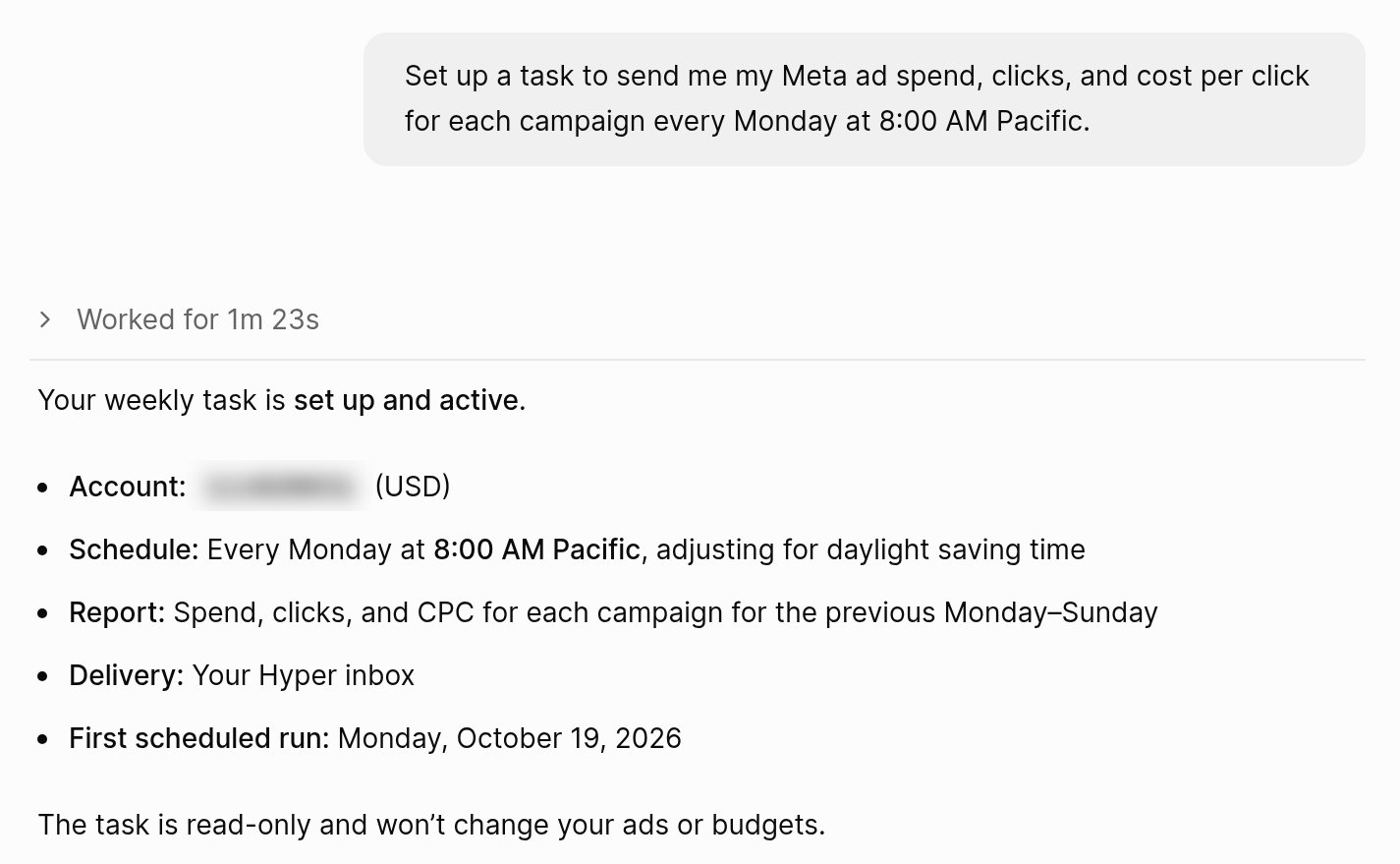
Create a task yourself
-
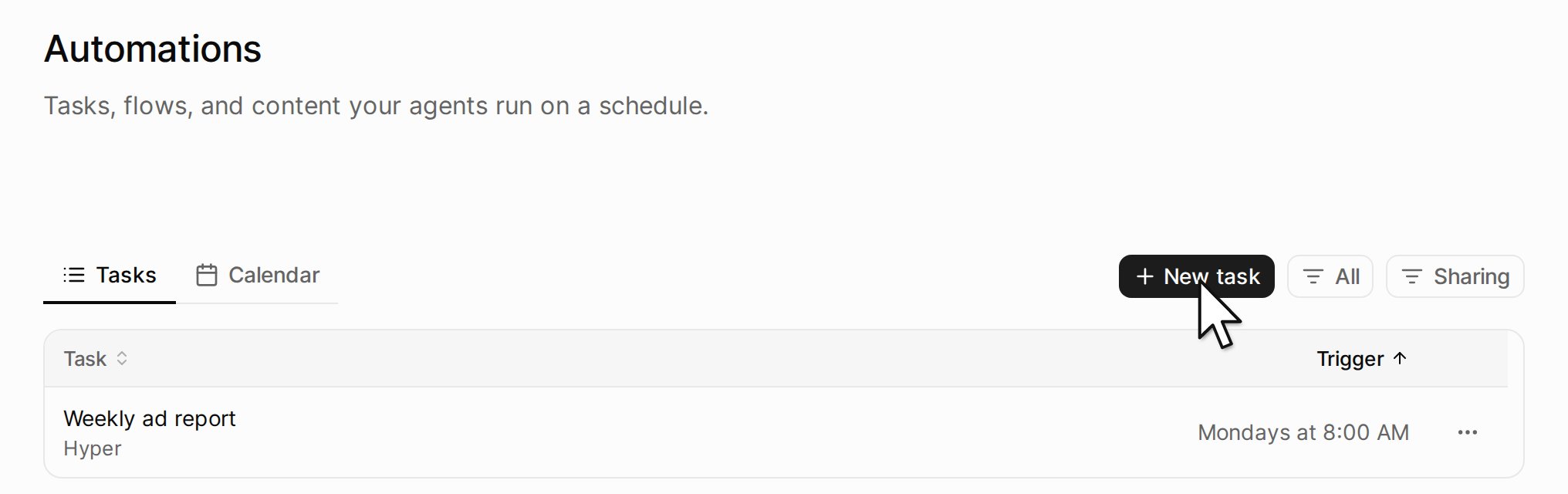
In the sidebar, click Automations, then New task.
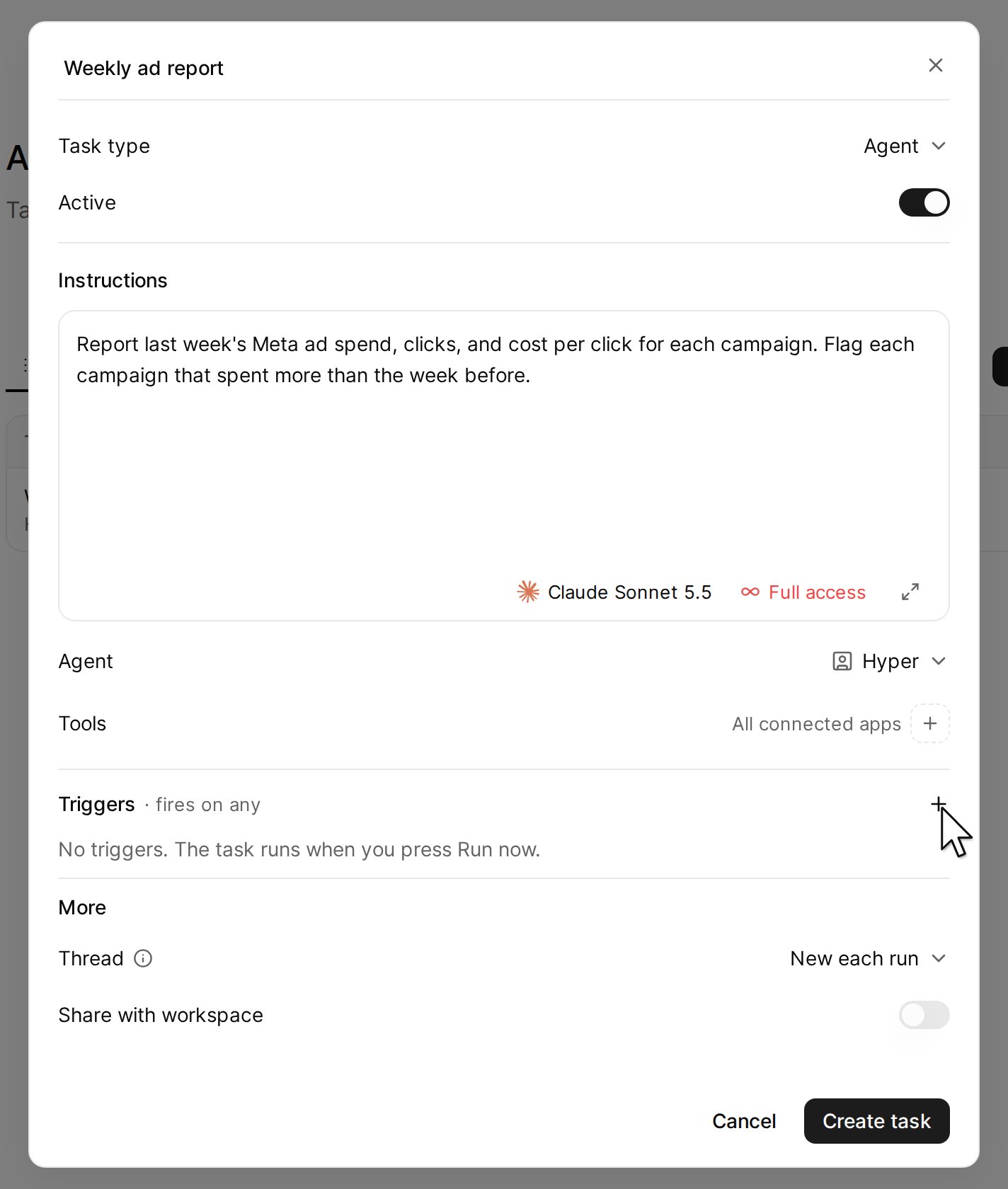
- Type a name. In Instructions, say what the agent does in each run.
-
Next to Triggers, click the plus button, then Schedule.
-
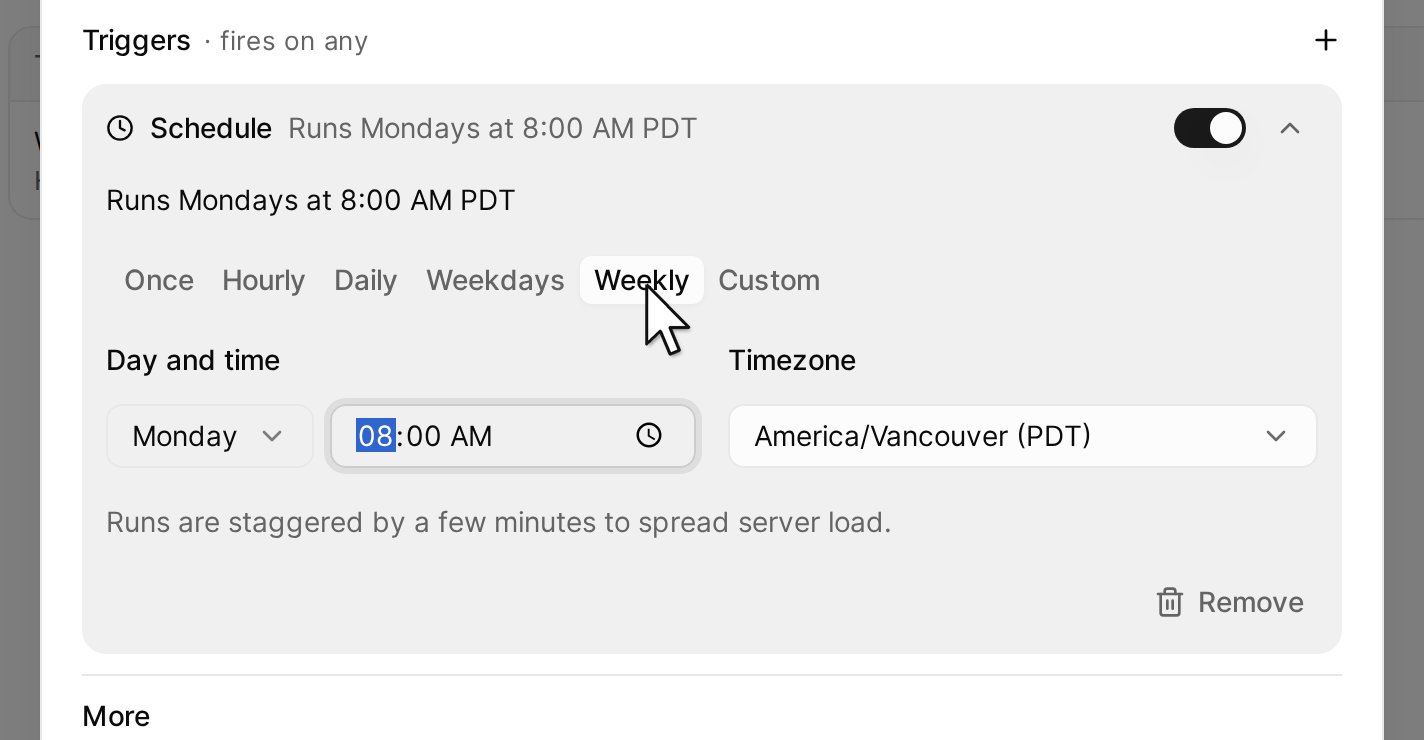
Click Weekly, then select the day and the time.
- Click Create task.
Triggers
Other settings
Test a task
On Automations, click the task to open it.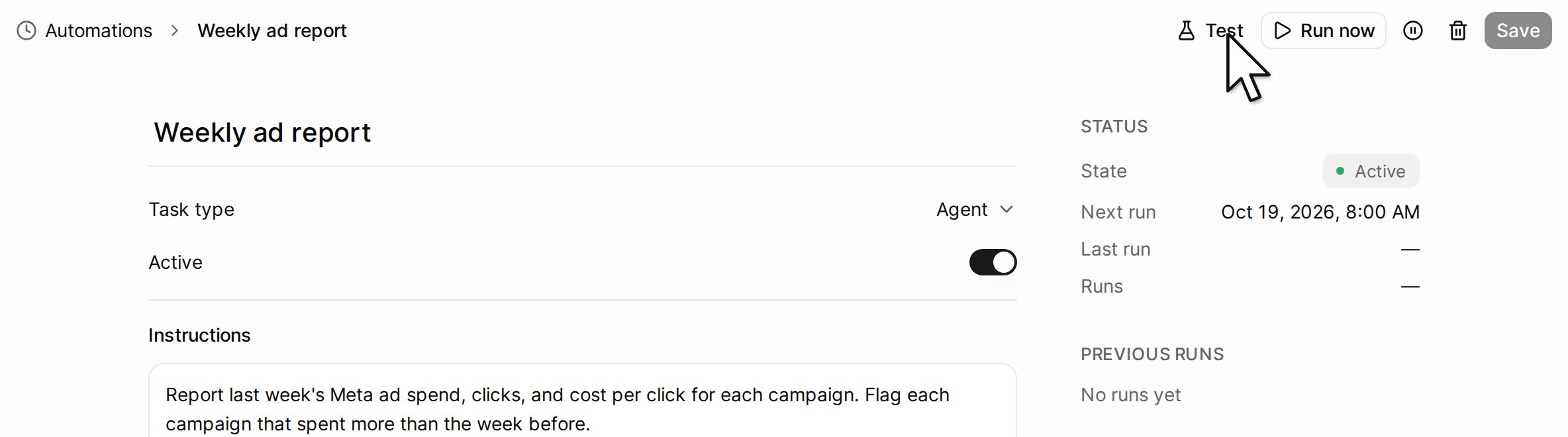
Each run is listed under Previous runs. Click a run to read what the agent did.